 Survey
Everything you do on a drawing set, in one app
Three things no other PDF app does, then every markup tool you would expect, free.
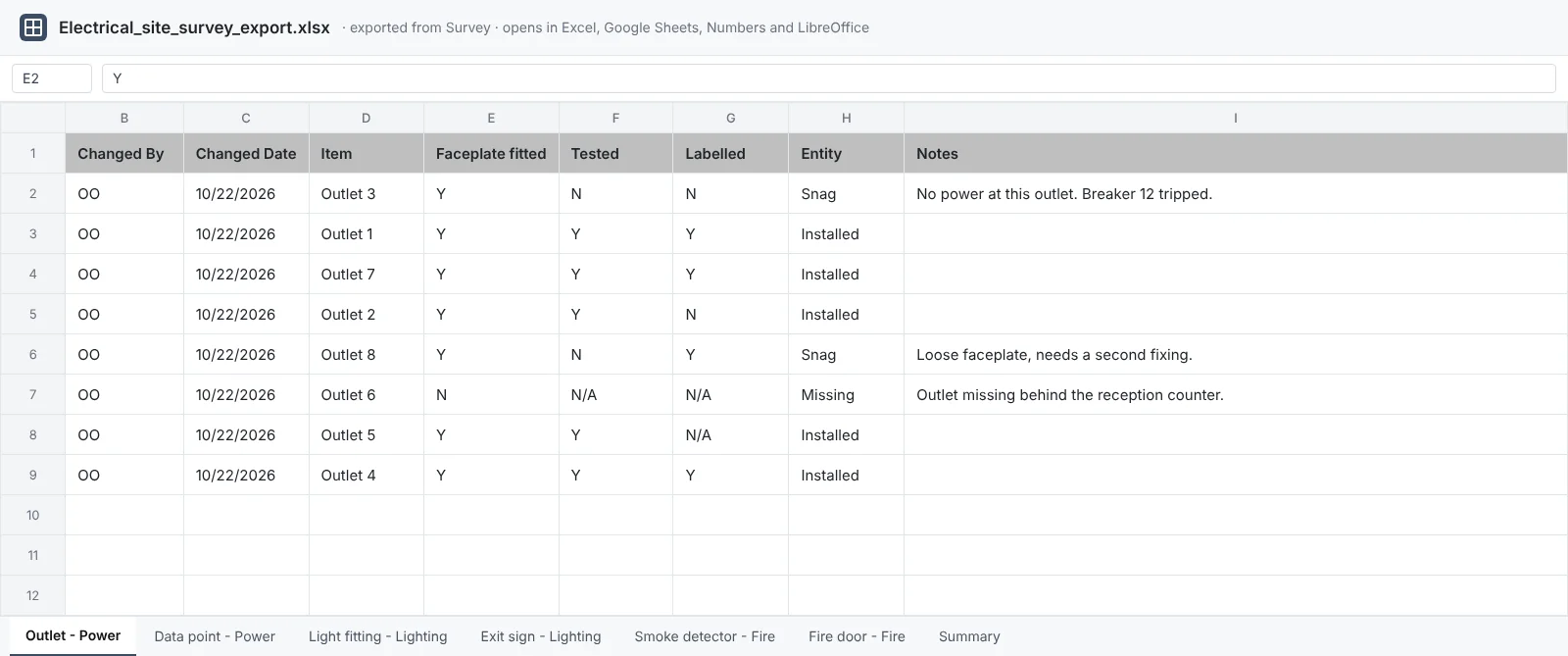
Every answer lands in a spreadsheet
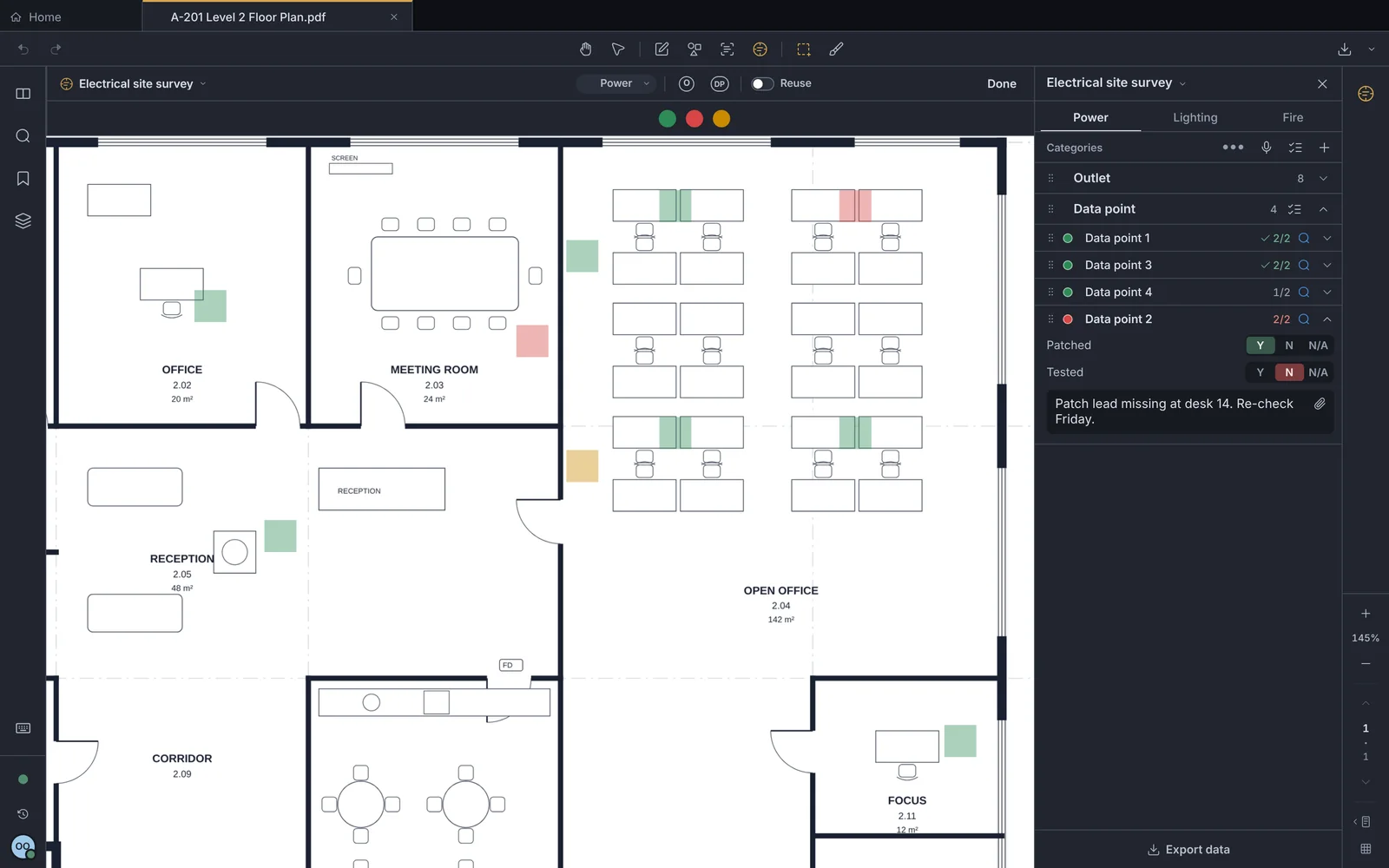
Walk the site with the plan. Tap where each item is and answer as you go.
Each marker carries its checklist: Y, N or N/A, a note, a photo or a voice note. Export the data and the office gets one spreadsheet, with a sheet per category and a summary.
- Opens in Excel, Google Sheets, Numbers and LibreOffice
- Link a Microsoft 365 workbook and edits made there come back onto the plan
- Counts and answers from every walk in one file
Work on one part of a sheet at a time
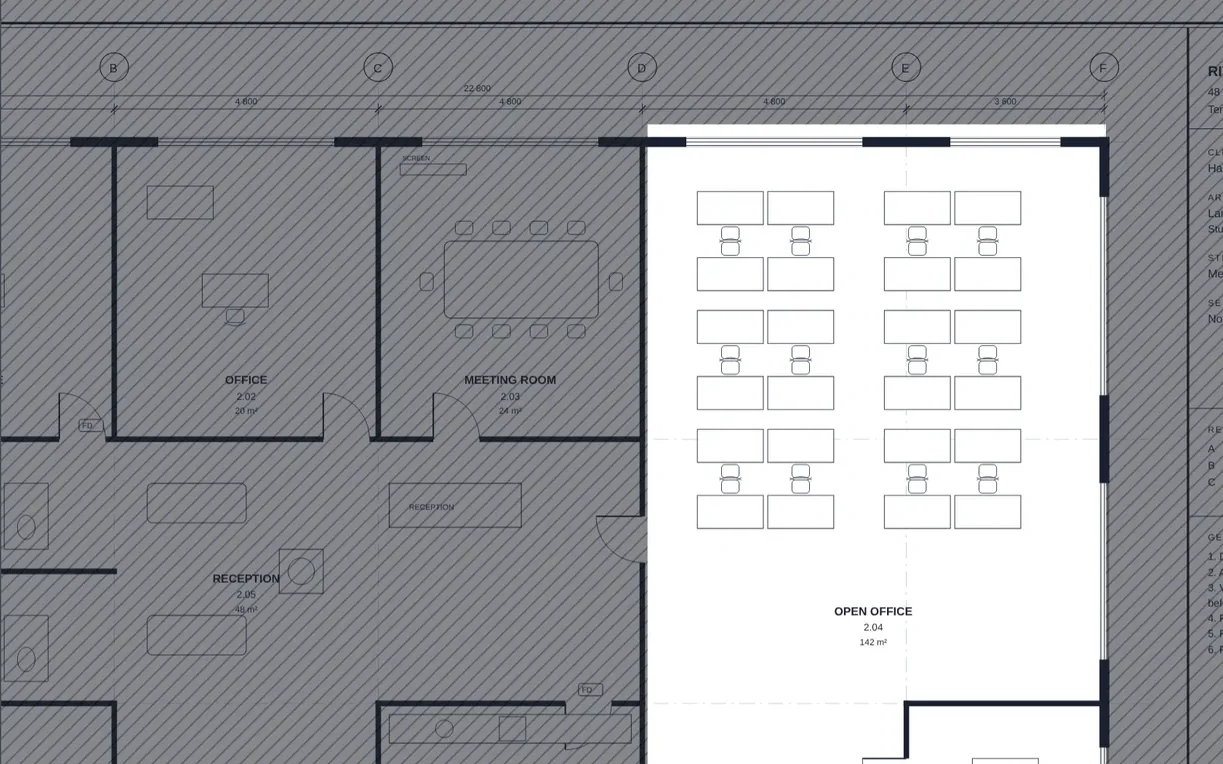
Draw a region, turn the space on, and everything outside it steps back.
Markups made inside a space belong to it, so one sheet can carry the fit-out, the demolition and the services as separate work. We have not found this in any other PDF app.
- A region per page, as a rectangle or freehand
- Export a space on its own
- Switch spaces on and off in one tap
Set it up once. Use it on every job.
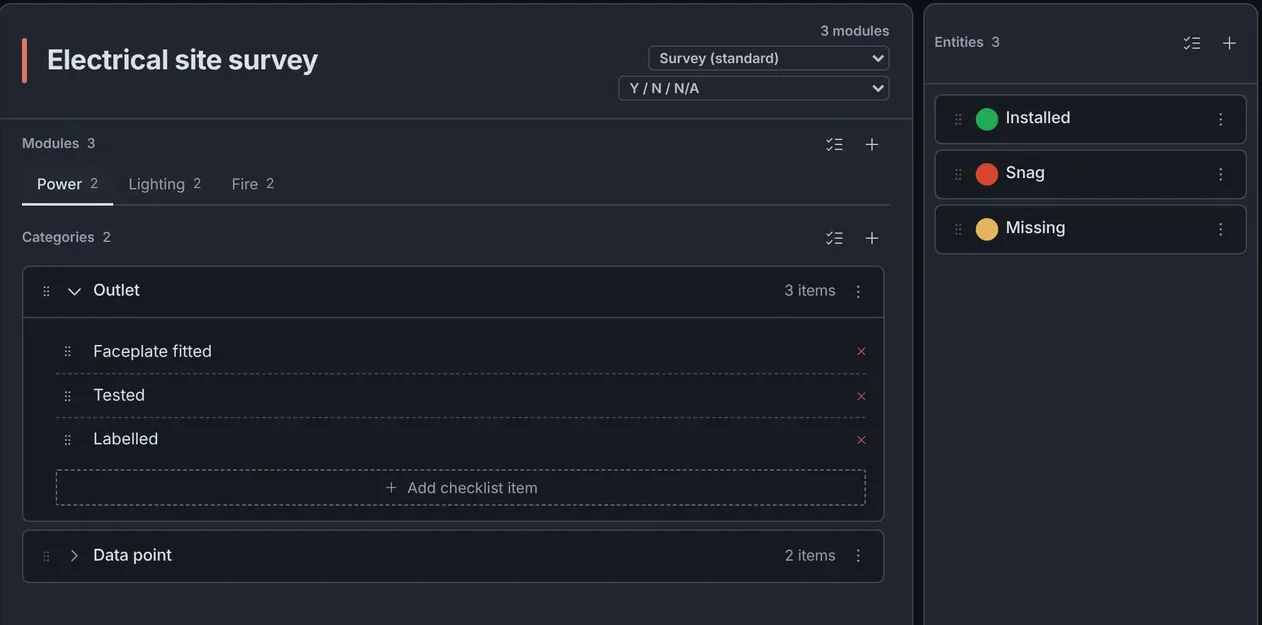
A template holds what you check, the questions you ask and the tags you give each item.
Make one per kind of survey, like electrical, fire or fit-out, and every project starts from the same checklist. The whole team answers the same questions, so the data lines up.
- Modules, categories and a checklist for each
- Tags like Installed, Snag or Missing
- Shared with everyone on the project
Every markup tool, free
Nothing here is behind a paywall. Pick a tool, mark the sheet, keep going.
Pen
Pressure ink that follows a pen, a mouse or a finger.
Highlighter
Sits behind the linework so the drawing stays readable.
Partial eraser
Rub out part of a stroke and the rest stays.
Shapes
Rectangle, ellipse, polygon, polyline, line and arrow.
Revision cloud
Cloud a change the way you would on paper.
Count markers
Tap each item. Every category keeps a running total.
Measure
Set the page scale, then measure length and area.
Text and callouts
Notes that point at the exact spot they are about.
Text markup
Highlight, underline, squiggle and strike through words.
OCR
Read a scanned sheet on your device so you can search it.
Page tools
Insert, rotate, delete, merge and split pages.
Made for drawing sets
Counts, ink, shapes and big sheets that stay quick.
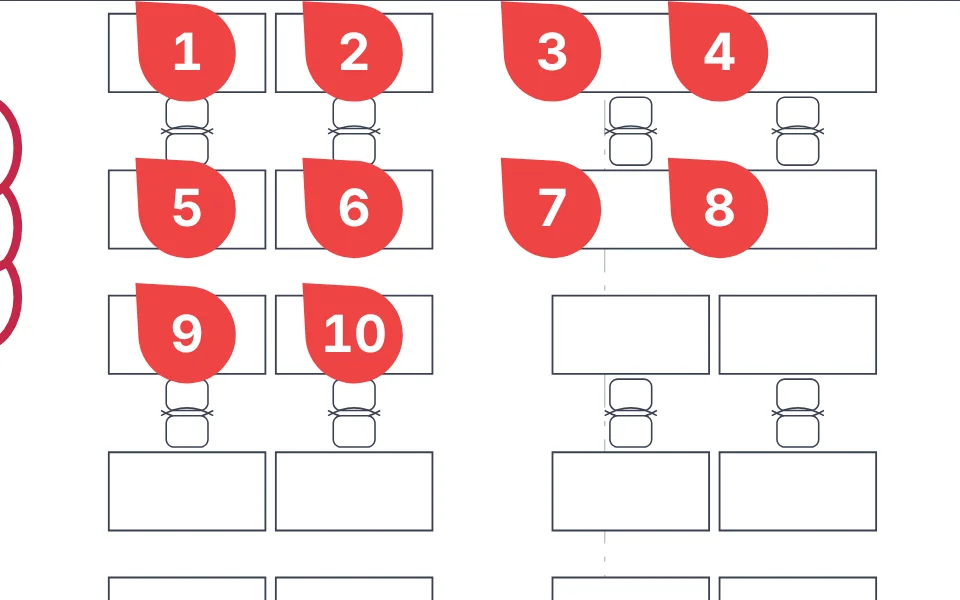
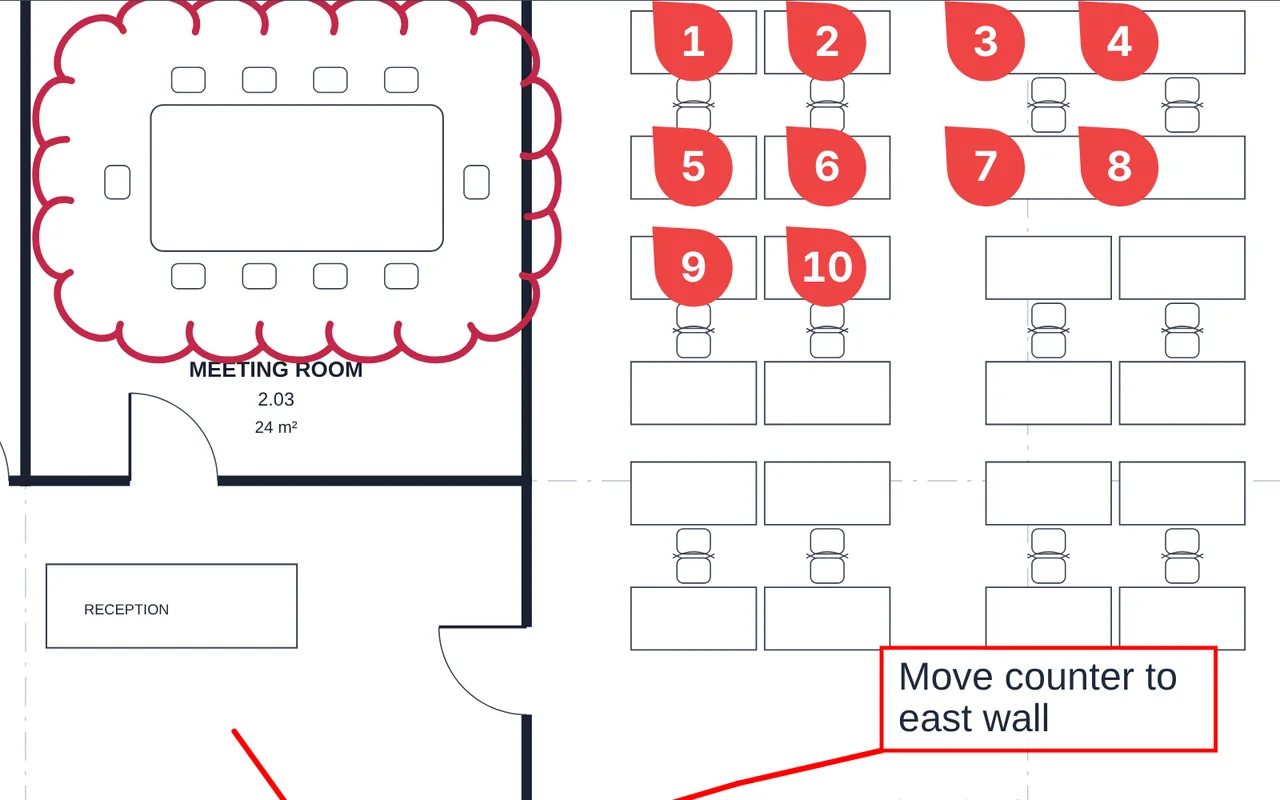
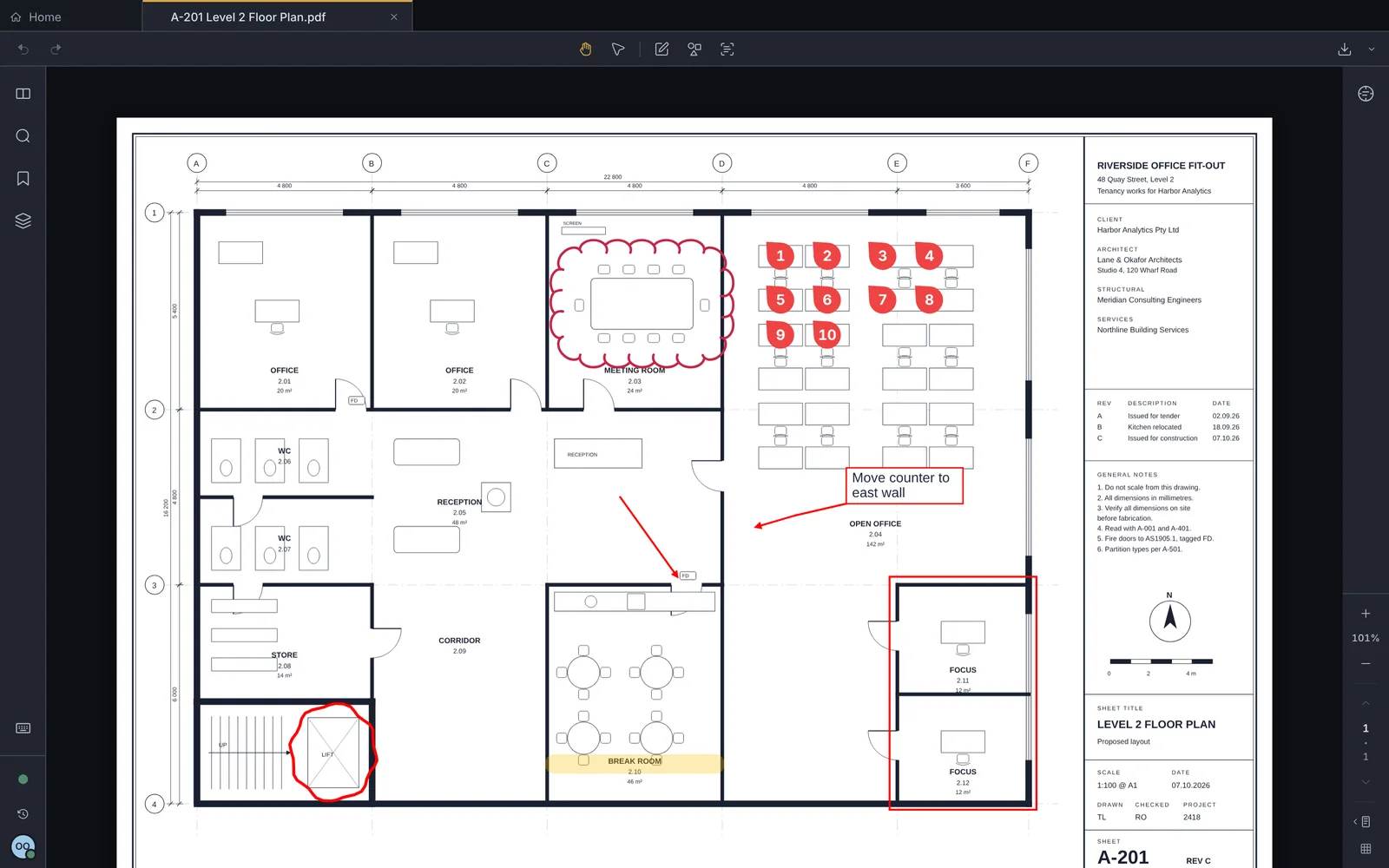
Tap each item on the plan and Survey numbers it and keeps the total. Make a category for each thing you count: desks, outlets, sprinklers, doors. Every tap adds a numbered marker, and the totals for each category stay in view. Export them as a spreadsheet in one step.
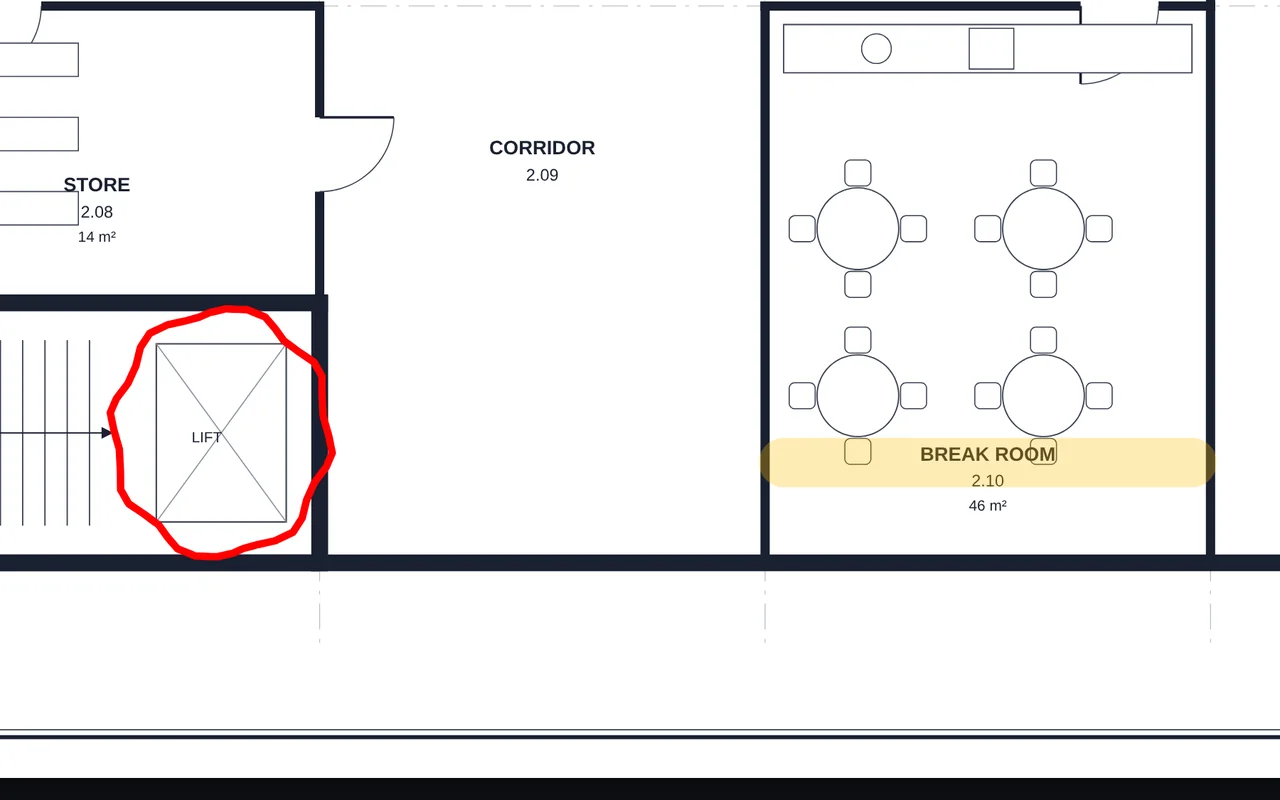
Write on drawings the way you would on paper. Smooth ink that follows Apple Pencil, a mouse or a finger. The highlighter sits behind the linework so the drawing stays readable. The eraser takes off just what you rub out.
Box it, cloud it, point at it. Rectangles, ellipses, revision clouds, lines, polylines and arrows, each with its own color and line weight. Select one to move it, resize it or change its style.
Big sheets stay sharp and quick at any zoom. Pinch or scroll to zoom from the whole sheet down to a single dimension. Thumbnails, bookmarks and search help you find the sheet you need in a large set.
Survey vs Drawboard PDF
The same tools, free in Survey. Then the things only Survey has.
| Tool | Survey | Drawboard PDF |
|---|---|---|
| Pen and highlighter | Free | Free |
| Shapes | Free | Free |
| Text and notes | Free | Free |
| Insert, rotate and delete pages | Free | Free |
| Pressure ink | Free | PRO |
| Callouts | Free | PRO |
| Measure length and area | Free | PRO |
| OCR | Free | PRO |
| Merge and split | Free | PRO |
| Count markers with totals | Free | Not listed |
| Site surveys with data export | Pro | Not listed |
| Spaces and regions | Pro | Not listed |
| Survey templates | Pro | Not listed |
| Live editing together | Pro | PRO |
Drawboard's column is from drawboard.com in October 2026. "Not listed" means it is not on their feature list. Check their site for current facts.
And the rest
Share with your team
Invite people as viewers or editors. Everyone sees the same markups. Pro.
Data export
Counts and survey answers as a spreadsheet for Excel, Google Sheets or Numbers. Spaces also export as CSV. Pro.
Microsoft 365 and OneDrive
Open drawings from OneDrive and keep a survey workbook in sync. Pro.
Undo history
Step back through every change on a sheet.
Big sheets stay quick
Zoom from the whole sheet down to one dimension.
Free PDF tools
58 tools in the browser, no sign-in: merge, split, compress, OCR, compare and more.
Free PDF tools, no sign-up
58 tools that run in your browser. Your files never leave your device.